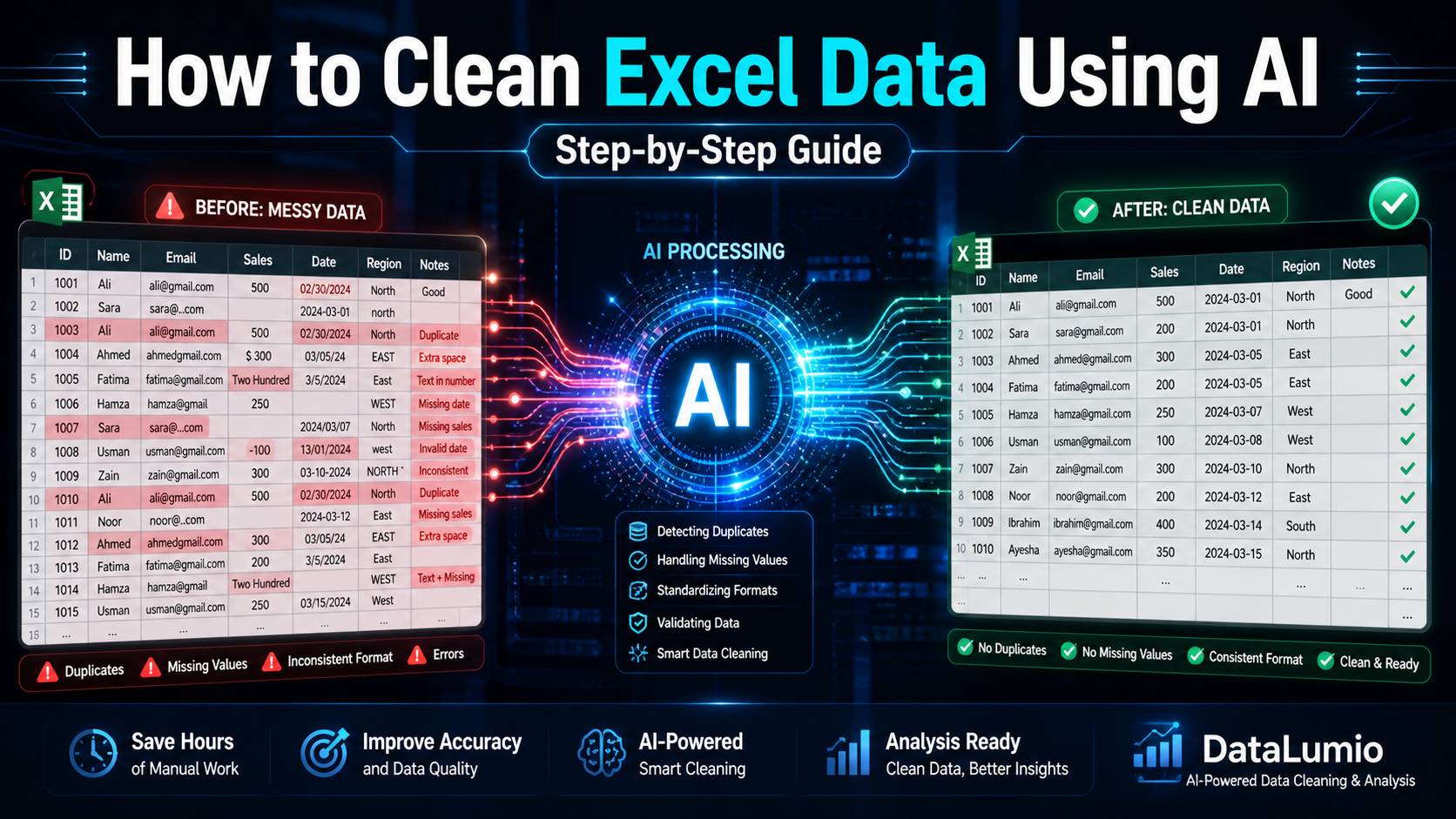
Cleaning messy spreadsheets is one of the most time-consuming tasks in data analysis. If you’re working with large datasets, learning how to clean Excel data efficiently can dramatically improve accuracy and save hours of manual effort.
In this guide, you’ll learn how to clean Excel data step-by-step — and how AI tools like DataLumio can automate the entire process.
Why Cleaning Excel Data Is Important
Before any analysis, your data must be clean.
Unclean data leads to:
- Incorrect insights
- Broken formulas
- Duplicate records
- Poor decision-making
Common issues in Excel datasets:
- Missing values
- Duplicate rows
- Inconsistent formatting
- Extra spaces or errors
- Incorrect data types
Step-by-Step: How to Clean Excel Data
Step 1: Remove Duplicate Data
Duplicate entries are one of the most common issues.
In Excel:
- Select your dataset
- Go to Data → Remove Duplicates
- Select relevant columns
This ensures each record is unique.
Step 2: Handle Missing Values
Missing data can break analysis.
Options:
- Remove incomplete rows
- Fill with averages
- Replace with “N/A”
Example:
| Name | Sales |
|---|---|
| Ali | 500 |
| Sara | (blank) |
Solution:
Fill or remove based on context.
Step 3: Fix Formatting Issues
Common formatting problems:
- Dates in different formats
- Numbers stored as text
- Extra spaces
Fix using:
- TRIM function
- Text to Columns
- Format Cells
Step 4: Standardize Data
Example inconsistencies:
“USA”
“U.S.A”
“United States”
Convert all into:
“USA”
This improves accuracy.
Step 5: Validate Data
Check for:
- Invalid values
- Outliers
- Incorrect entries
Example:
Age = 200 ❌
Use filters to detect anomalies.
Challenges of Manual Data Cleaning
Manual cleaning is:
- Slow
- Error-prone
- Hard to scale
- Repetitive
This is where AI becomes powerful.
How DataLumio Cleans Excel Data Automatically
With DataLumio, you can clean Excel data in minutes.
AI Cleaning Features:
- Detects duplicates automatically
- Fixes missing values
- Standardizes formats
- Identifies anomalies
- Prepares dataset for analysis
Step-by-Step Using DataLumio
Step 1
Upload your Excel or CSV file
Step 2
AI scans and cleans dataset
Step 3
Review cleaned data
Step 4
Generate insights
No formulas required.
Use Cases
Business Data Cleaning
Prepare sales and financial data
Survey Data Cleaning
Fix responses and inconsistencies
Research Data Cleaning
Prepare datasets for analysis
Inventory Data Cleaning
Remove duplicate stock entries
Best Practices
✔ Keep data structured
✔ Avoid merged cells
✔ Use consistent formats
✔ Validate before analysis
✔ Use AI for large datasets
Final Thoughts
Knowing how to clean Excel data is essential for accurate analysis. While Excel provides basic tools, AI-powered platforms like DataLumio automate the process, saving time and reducing errors.
If you work with data regularly, AI cleaning tools can significantly improve your workflow.