Artificial intelligence is rapidly transforming how businesses, researchers, and professionals work with data. From cleaning spreadsheets to generating insights automatically, AI-powered analytics platforms are replacing traditional manual workflows.
In this guide, we’ll explore the best AI tools for data analysis in 2026, compare their strengths, and help you choose the right solution for your workflow.
Why AI Data Analysis Tools Are Growing Fast
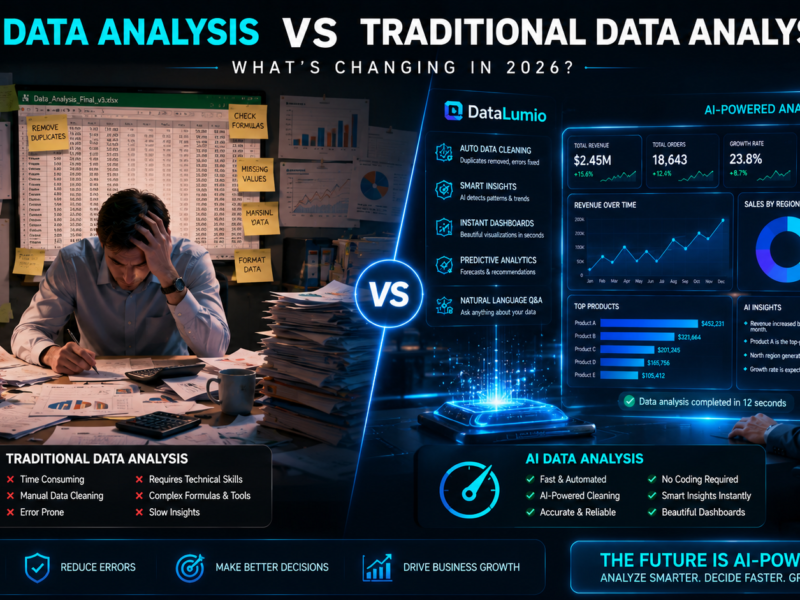
Traditional data analysis often requires:
- Complex formulas
- Manual cleaning
- Coding skills
- Time-consuming dashboards
AI tools simplify this process by:
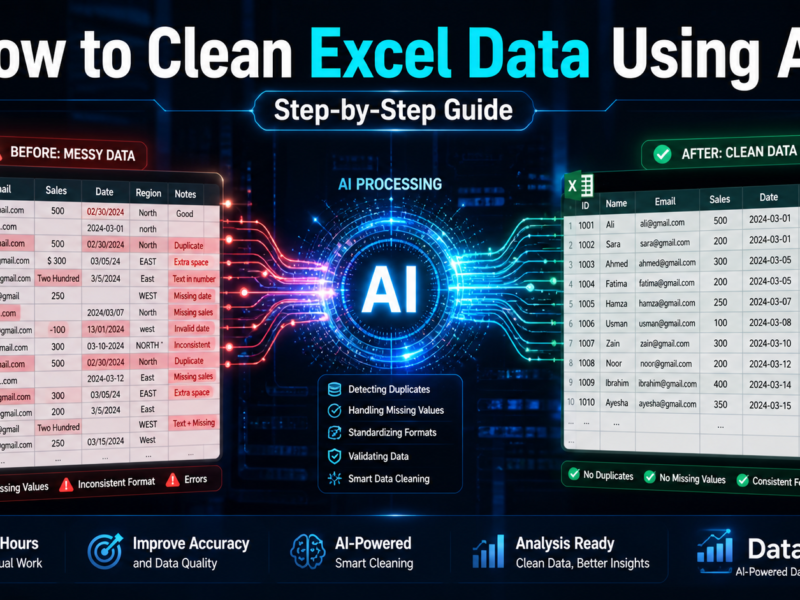
- Automating data cleaning
- Generating insights instantly
- Visualizing trends automatically
- Reducing manual effort
This makes AI analytics accessible even for non-technical users.
What Makes a Good AI Data Analysis Tool?
The best AI data analysis tools should provide:
✔ Easy file uploads
✔ Automatic cleaning
✔ AI-generated insights
✔ Charts and dashboards
✔ Fast processing
✔ No-code workflow
Bonus features:
- PDF analysis
- Business intelligence
- Reporting automation
- Smart recommendations
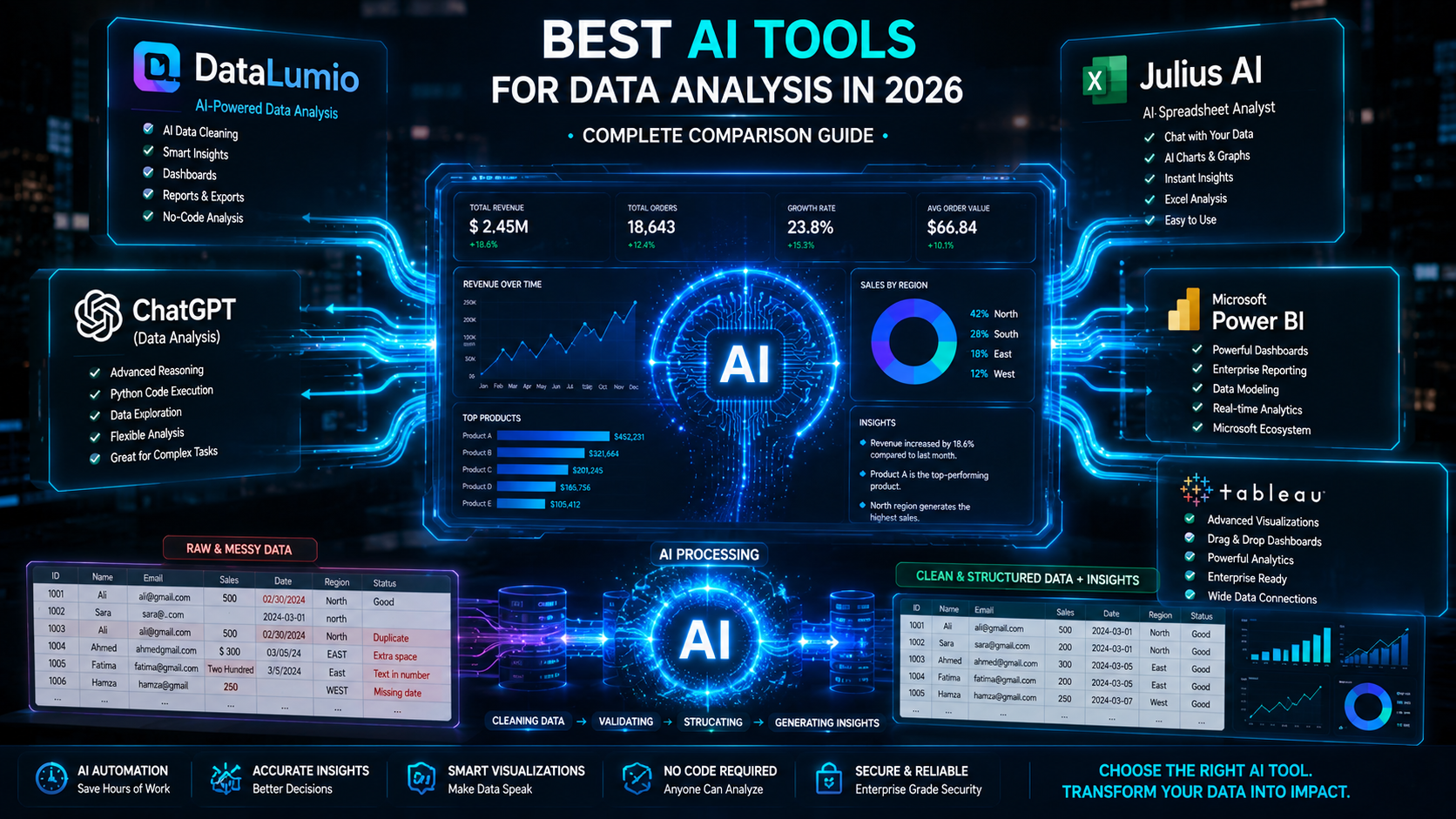
Best AI Tools for Data Analysis in 2026
1. DataLumio
Best For:
AI-powered automated data analysis for businesses, researchers, and non-technical users.
Key Features:
- Excel & CSV analysis
- Automatic data cleaning
- AI-generated insights
- Dashboard generation
- Qualitative & quantitative analysis
- No-code workflow
Strengths:
✔ Beginner-friendly
✔ Fast analysis workflow
✔ AI-powered automation
✔ Built for practical business insights
Ideal Users:
- SMEs
- Researchers
- Analysts
- Business teams
2. Julius AI
Best For:
Conversational AI-based spreadsheet analysis.
Key Features:
- Ask questions about datasets
- AI chart generation
- Spreadsheet analysis
Limitations:
- More chat-oriented
- Less workflow automation
- Limited broader business analysis features
3. ChatGPT (with Data Analysis)
Best For:
Flexible AI-assisted coding and analysis.
Strengths:
- Python support
- Advanced reasoning
- Flexible workflows
Limitations:
- Requires prompting skill
- Less structured dashboards
- Not specialized for business reporting
4. Microsoft Power BI
Best For:
Enterprise business intelligence.
Strengths:
- Advanced dashboards
- Enterprise reporting
- Deep integrations
Limitations:
- Steeper learning curve
- More manual setup
- Requires BI knowledge
5. Tableau
Best For:
Advanced visualization and enterprise analytics.
Strengths:
- Powerful visualizations
- Enterprise-ready dashboards
Limitations:
- Expensive
- Less AI automation
- Complex for beginners
AI Tools Comparison Table
| Tool | Best For | No-Code | AI Insights | Data Cleaning |
|---|---|---|---|---|
| DataLumio | Automated AI analysis | ✔ | ✔ | ✔ |
| Julius AI | Conversational analysis | ✔ | ✔ | Limited |
| ChatGPT | Flexible workflows | Partial | ✔ | Partial |
| Power BI | Enterprise BI | Partial | Limited | Manual |
| Tableau | Visualization | Partial | Limited | Manual |
Why Businesses Are Moving Toward AI Analytics
Businesses want:
- Faster insights
- Lower operational costs
- Less manual work
- Better decisions
AI tools now automate tasks that previously took analysts hours or days.
How DataLumio Stands Out
Unlike traditional BI tools, DataLumio focuses on:
✔ AI-first workflow
✔ Automated cleaning
✔ Instant insights
✔ Simplicity for non-technical users
✔ Business-ready reports
Instead of building dashboards manually, users simply upload datasets and let AI handle the process.
Use Cases for AI Data Analysis Tools
Business Intelligence
Track performance and KPIs
Survey Analysis
Understand customer feedback
Financial Analytics
Monitor revenue and trends
Research Data Analysis
Analyze structured datasets quickly
Final Thoughts
The rise of AI analytics platforms is changing how organizations work with data. Choosing the best AI tools for data analysis depends on your workflow, technical expertise, and reporting needs.
For businesses and users looking for fast, no-code, AI-powered insights, platforms like DataLumio provide a modern alternative to traditional spreadsheet-heavy workflows.